M4-D2 Mobility Kit
A complete walkthrough — what's in the box, how to put it together, and how to get your Mac Mini rolling.
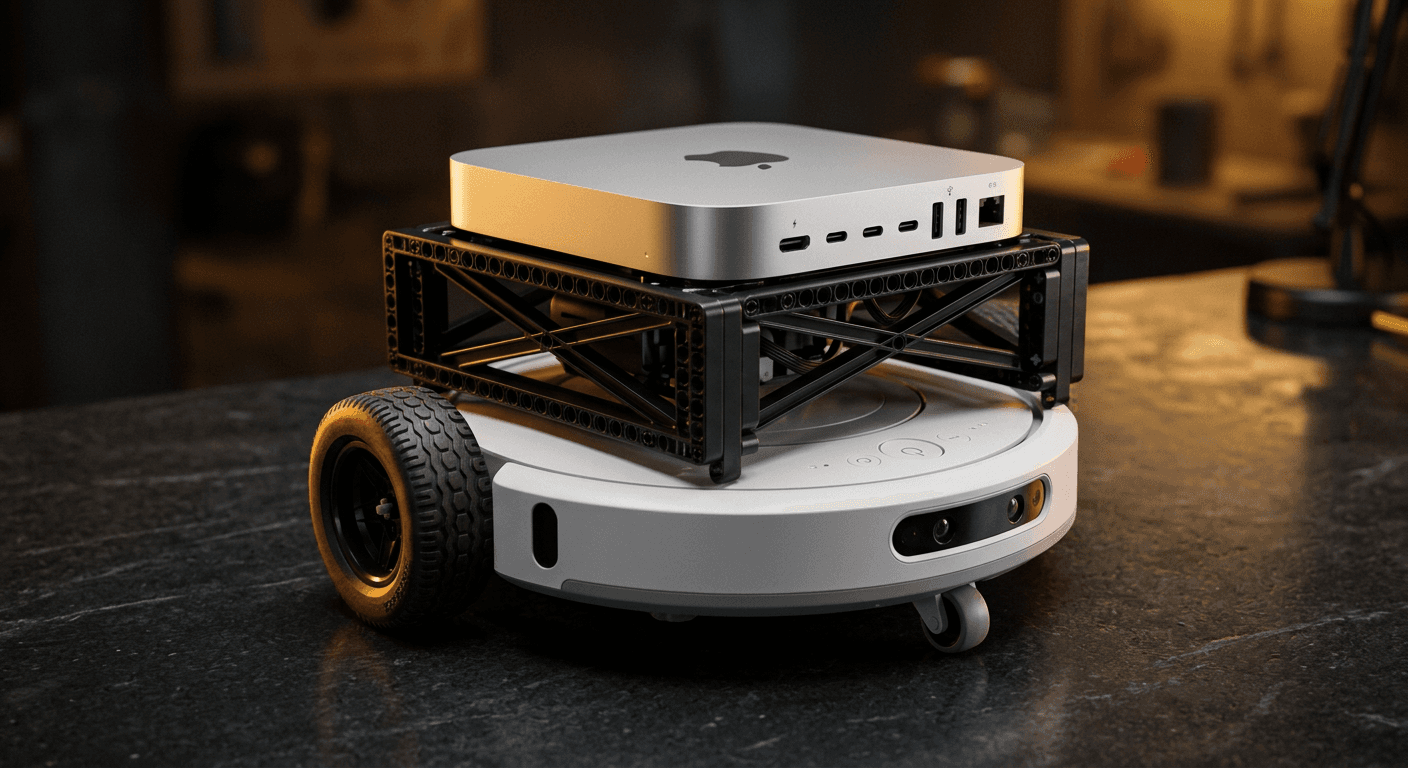
What's in the box
20 components · 29 pieces total
Build steps
Total time: about 80 minutes the first time.
Assemble the Technic frame
~45 minFollow the BrickLink Studio file included with your kit. The Technic superstructure mounts to the top ring of the Create 3 using the included M3 bolts and rubber grommets.
Seat the power bank
~10 minThe Anker 737 slides into the lower shelf of the Technic frame. Route the USB-C data cable (Mac Mini → Create 3) through the cable guide channel on the left rail.
Mount your Mac Mini
~5 minLower your Mac Mini 2024 into the printed PLA+ cradle. It clicks into the upper shelf — no tools needed. Connect the 140W USB-C power cable from the Anker to the Mac Mini's back port.
Install the control software
~20 minClone the open-source mac-falcon repo on your Mac Mini and run the setup script. It installs the ROS 2 bridge and lets you drive the Create 3 from your terminal — or from anywhere on your WiFi network.
Download the PDF guide
The full build guide with photos, part numbers, and wiring diagrams. Sent to your email with your order confirmation.
📦 Included with purchase